Custom Order Tracker
Product line or season
Order period
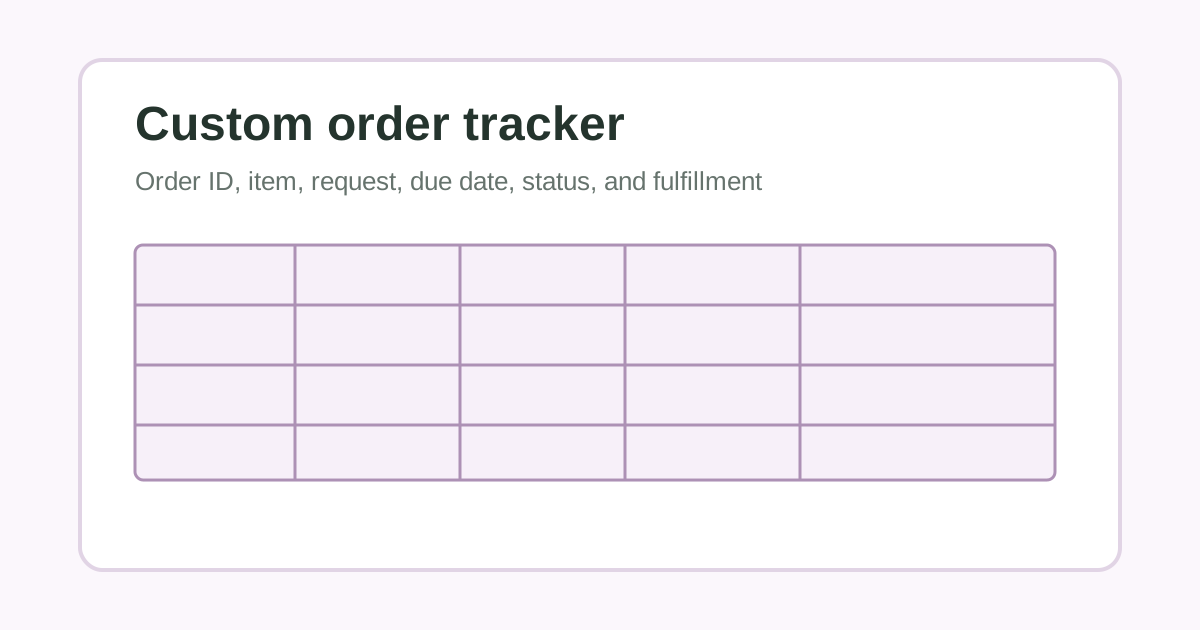
| Order ID | Item | Request | Due | Status | Fulfillment |
|---|---|---|---|---|---|
| Queued | |||||
| In progress | |||||
| Ready |
Notes
Keep payment, contact, address, and other customer data in a secure system.
Planning printable
Use a simple custom order tracker to see what was requested, when it is due, its current status, and the next fulfillment step without writing sensitive customer data.
Published by PrintSimple, an independent printable-tools site. See how pages are created, checked, and corrected in our editorial policy.
Quick use
Best for adults, families, teachers, clubs, and hobbyists who want a simple paper record without storing sensitive information.
Choose only the columns you will actually fill in.
Use one line per row and separate cells with a vertical bar.
Keep private, official, financial, or sensitive records in the appropriate secure system.
A printable log is an editable table for recording dates, items, observations, quantities, follow-up, or other practical details. Choose the headings that match the task and type starter rows or leave space to write by hand.
Print mode hides the website header, form controls, ads, footer, affiliate cards, FAQ, and related links so only the printable document appears.
The same printable can work as an individual page or a shared planning tool when the wording matches the real setting and task.
Keep the page near the work it supports, use familiar wording, and include only the fields you will check or update.
Use clear labels, agree on who updates the page, and leave private or official details in the appropriate secure system.
Start from the version that matches the real routine, then remove anything that does not help the page get used.
Keep starter rows empty when you want to write entries by hand after printing.
Type recurring labels or common entries first, then complete changing details on paper.
Use plain column headings so everyone who uses the page records details the same way.
Print a new page when the date range, project, event, season, or subject changes.
Custom order tracker for order ID, item, color or size request, due date, status, and pickup note.
Custom order log used beside a secure commerce system to see which pieces are queued, in progress, ready, or complete.
Custom order tracker for a market season when due dates and fulfillment methods need a quick paper overview.
A printable log keeps recurring details in one consistent table. Use clear headings, include only information you need, and keep official, private, financial, or sensitive records in the appropriate secure system.
Optional supplies that can help planning pages stay visible, organized, and easy to reuse through the week.
Affiliate note: Some links may earn a commission at no extra cost to you.
Reusable printables
Reuse charts, routines, and checklists.
Shop on AmazonOrganization
Make printed pages easier to use around the house or classroom.
Shop on AmazonMotivation
Add simple progress markers for kids.
Shop on AmazonPrinting
Keep a basic supply ready for weekly printables.
Shop on AmazonYes. Enter one heading per line and the printable will build a table with up to six columns.
Enter one row per line and place a vertical bar between cells. You can also leave rows blank and write on the printed page.
Yes. You can customize, print, and download the printable for personal, family, classroom, or everyday organization use.
Yes. Use the Download PDF button to save the current preview as a PDF from your browser.
Yes. The printable layouts use clear dark text and borders so they work well without color.
The printable preview is designed for US letter size paper, 8.5 by 11 inches.